
By qlk.to · Updated
Product guidance with labelled examples. Figures in worked examples are illustrative.
Define the measures before comparing them
Use the label supplied by each reporting system and record its definition. “Visitor” can mean different things across products. Do not rename a request count as people simply because a spreadsheet needs a short heading.
| Measure | What it describes | What it does not establish |
|---|---|---|
| qlk.to analysed click | An eligible recorded opening of a published campaign link | A unique person, completed page load or sale |
| Destination session | A group of website activity under that system’s session rules | A one-to-one match with every redirect |
| Verified signup | An account whose required email verification completed | A paying customer |
| Confirmed paid outcome | A payment or other outcome confirmed by its source system | Something proved by a button click or checkout return alone |
Understand why counts diverge
Someone can open a link twice, close the destination before it loads, block its scripts or decline optional analytics. Preview and security software can open links too. Systems may filter automation differently and apply different time zones or reporting delays.
For example, 100 analysed clicks and 70 destination sessions do not prove that 30 people were lost. The difference could contain repeats, filtering, loading failures and unobserved destination activity. Investigate those possibilities using the evidence available.
Reconcile a campaign in a consistent order
Start with a shared UTC date window and the exact placement links. Keep the recorded destination and its campaign labels alongside the report. Check whether the destination changed during the period.
- Check each system’s definition, time zone and reporting delay.
- Confirm the same campaign and placement labels are selected.
- Review known-bot and test-traffic exclusions and any missing-data notice.
- Compare daily patterns before comparing a single total.
- Use confirmed outcome records to evaluate signups or purchases, documenting any attribution limits.
Calculate a rate only with a matching denominator
A ratio can be mathematically correct but describe the wrong thing. Dividing 120 link openings by 2,000 delivered SMS messages produces 6%. It does not become a unique-recipient rate when the numerator can include repeat openings.
Likewise, a signup rate needs a defined observation window and a clear relationship between the signup and the visit. State whether the figures are linked observations or an overall account total. Leave missing measurements unavailable rather than filling them with zero.
Keep the reporting limits with your conclusion
qlk.to reports campaign link activity rather than identified people, purchases or revenue. Known bots and marked test links are excluded, but unrecognised automation can remain. Your plan controls reporting capacity and retained history.
Use the reports to identify patterns and choose the next question to test. Keep sales, delivery and destination-side evidence alongside them when deciding what a campaign achieved.
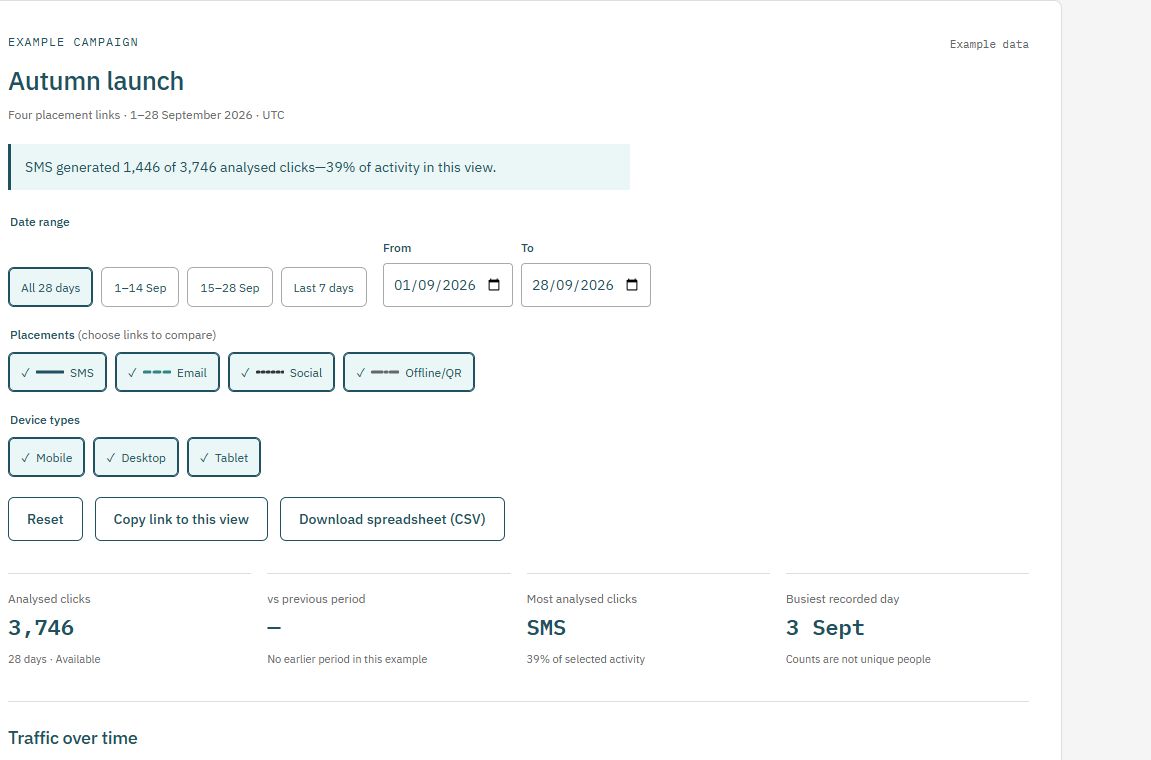
Explore the report yourself
Use a consistent placement plan
Prepare destination labels in the UTM builder, then save the completed destination when creating your qlk.to link. Download the campaign-link plan (CSV) to record your published addresses and launch dates.
Check current plans and limits before a live send or print run. The Free sample’s links stop after 30 days from signup unless you upgrade.